
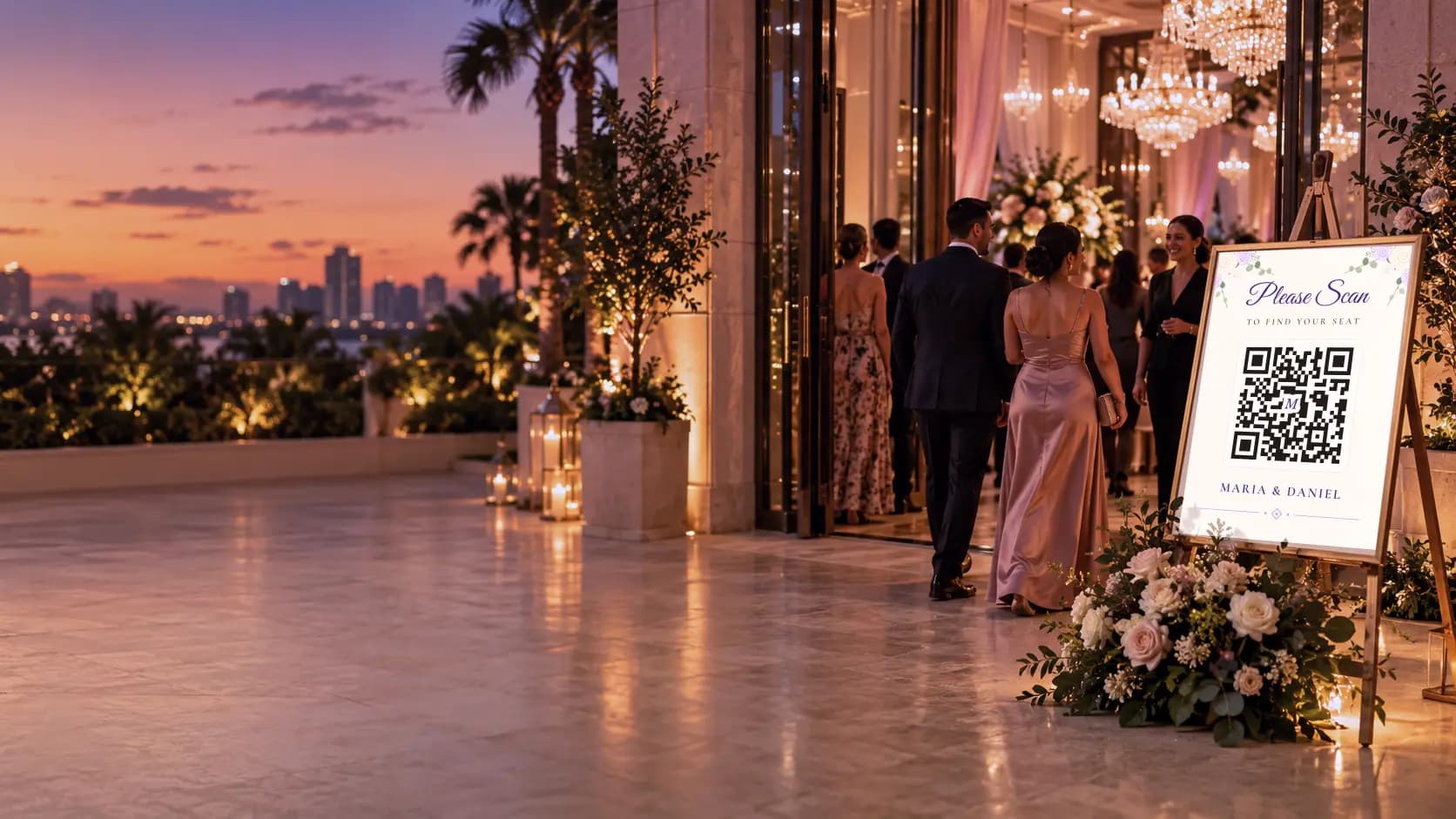
Digital seating chart with QR code
Every guest finds their seat in seconds.
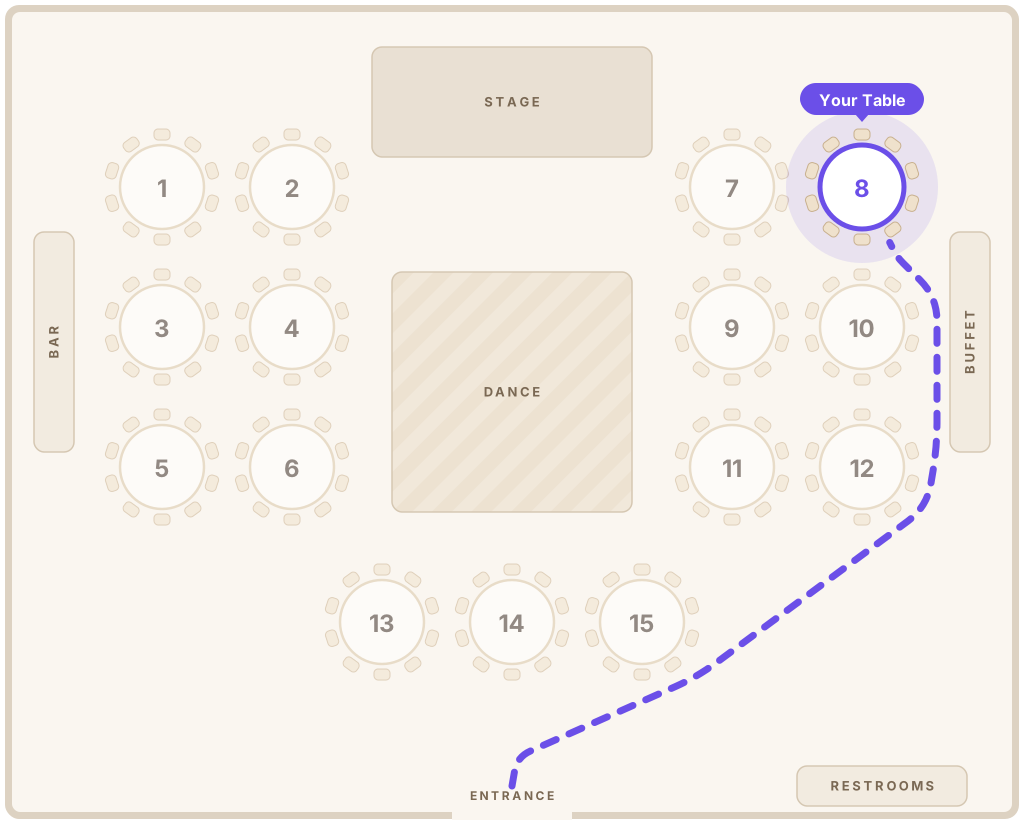
Design your floor plan, seat your guests, and share one QR code. Guests scan, type their name, and see their table on the map. No app, no account.
- 6 guest languages
- Works on any phone
- Made for venues & planners

Welcome, Sofía!
Table 8
Lopez Family
How it works
From guest list to QR code in four steps
 1
Build your room
Drag in tables, the stage, dance floor, bar and entrance, or start from a saved venue layout.
 2
Add your guests
Import a spreadsheet or paste a list of names. Keep families and groups together.
 3
Seat everyone
Drag guests onto tables, or auto-seat by family in one click. Change it anytime.
 4
Share one QR code
Print a sign that matches your event. Guests scan, search their name and find their table.
Seatella Memories
Your guests’ photos, in one private album
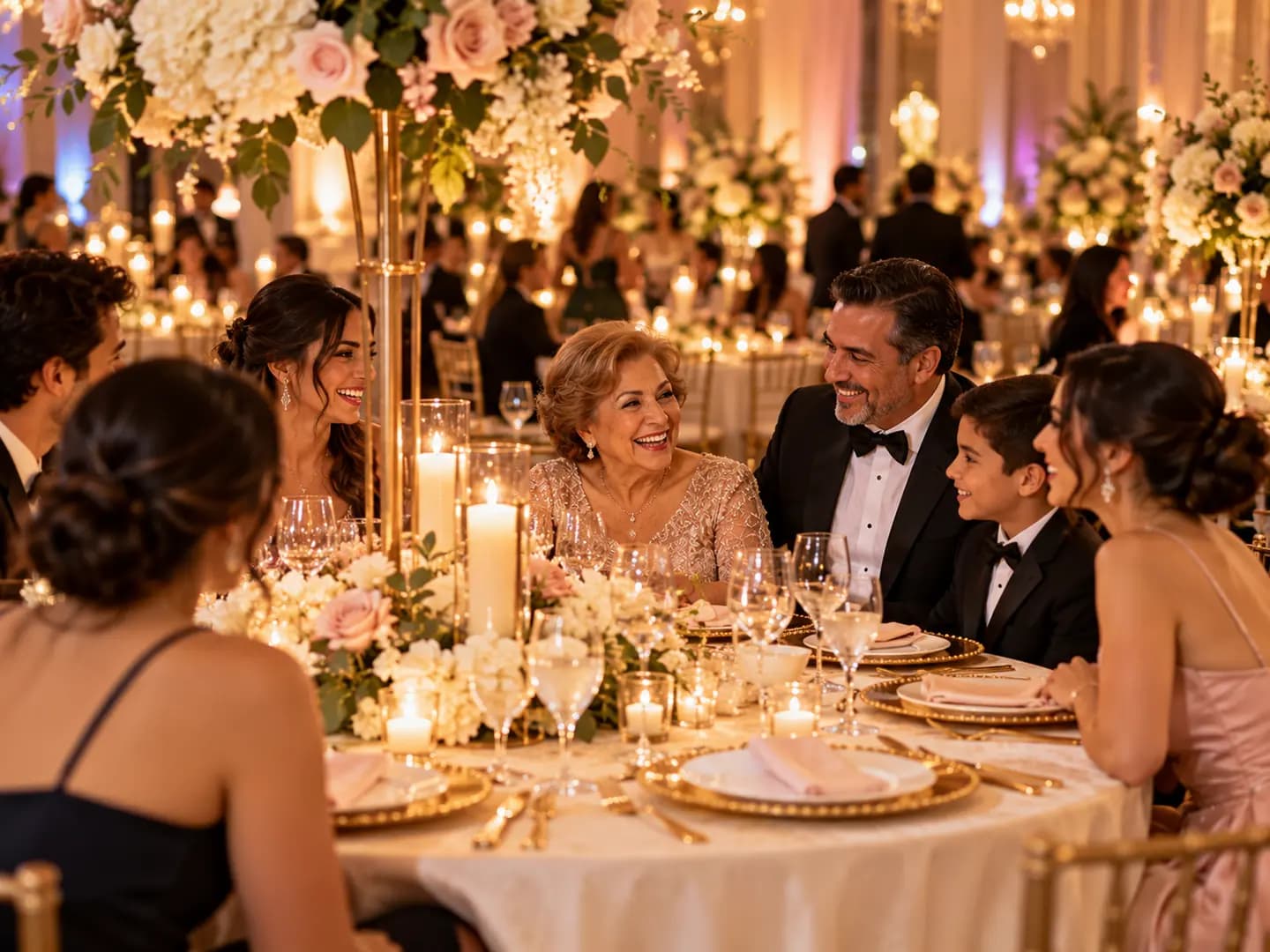
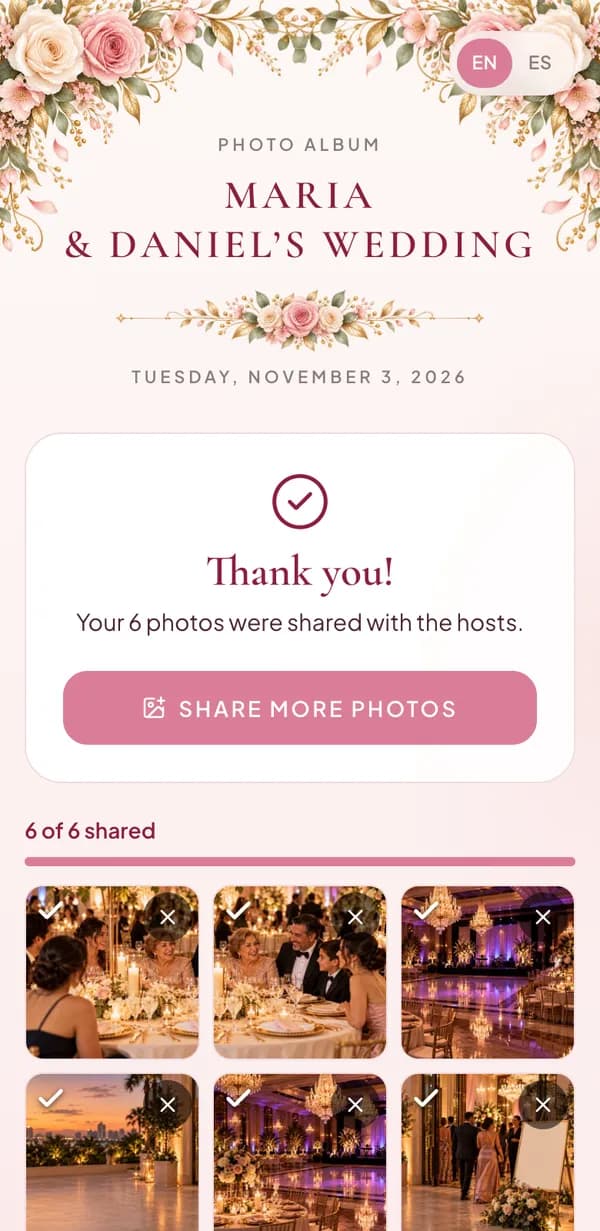
After they find their seat, guests scan one code and share the photos they take. You get them all, in original quality.
- No app for your guests
- Only you see the photos
- From $19 per event, purchased separately
Features
Everything a seating chart should be, and nothing it shouldn’t
A real map, not just a number
Guests see their table highlighted on your floor plan, with a walking path from the entrance.
Beautiful guest pages
Ten elegant designs with script and serif typography, in your event’s colors.
6 languages
English, Spanish, Portuguese, French, Italian and Haitian Creole. The page opens in each guest’s phone language, and they can switch with one tap.
Change anything, anytime
Last-minute swaps update instantly. The QR code on your sign never changes.
Who’s at my table
Guests can see who they’re seated with, so there are no surprises at the table.
Saved venues & layouts
Save each room once, with a photo. Never redraw the same ballroom again.
Your brand
Your logo and colors on the dashboard and every guest page. Fully white-label on Venue.
Private by design
Guest pages are hidden from search engines. Guests only see names when they search.
Designs
Looks like your invitation
Pick a design and an accent color. The guest page and the printed QR sign match automatically.

Find your Seat
Ana & Luis


Find your Seat
Ana & Luis

Find your Seat
Ana & Luis
Find your Seat
Ana & Luis
For venues & planners
Run every event from one place
Seatella is built for people who seat guests every weekend. Set up in minutes, reuse your rooms, and hand every client a polished experience with your name on it.
Get a walkthrough for your venue- Saved venues with photos and reusable floor plans
- Unlimited events on the Venue plan, or an Event Pass for one-offs
- Print-ready QR signs in every design
- Your logo and colors, even on guest pages
Pricing
Simple pricing for every celebration
Start free. Pay once for a single event, or subscribe if you host events all year.
Free
Try it out
$0
- Up to 3 events, 1 live
- Up to 30 guests
- All designs & 6 languages
- Basic stats: guests who found their table
Event Pass
For a single celebration
$39/ event
- One payment, no subscription
- Unlimited guests
- No sign watermark
- Full event stats & summary
Pro
For event planners
$29/mo
or $290/yr, 2 months free
- 5 live events
- Unlimited guests
- Your logo & colors
- Full stats & a summary with your logo
Venue
For venues & teams
$79/mo
or $790/yr, 2 months free
- Unlimited events & venues
- Fully white-label
- Live stats on event night
- Saved layouts for every hall
Planning just one event?
Weddings, quinceañeras, birthdays, anniversaries: build your whole seating chart for free, then pay $39 once when you’re ready to share it. No subscription, nothing to cancel.
- 1Set up free: floor plan, guest list, seating
- 2Pay $39 once when you publish
- 3Unlimited guests, no renewals
Want your guests’ photos too? Add Seatella Memories to any event, purchased separately: Basic $19 or Plus $29. Learn about guest photo sharing →
Guests always get the full experience on every plan. Compare all plans →
FAQ
Questions, answered
Do guests need to download an app?
No. Guests scan the QR code with their phone’s camera and the page opens in the browser. There’s no app to install and no account to create.
What if seating changes at the last minute?
Move a guest to another table and the guest page updates immediately. The QR code on your printed sign stays the same, so there’s nothing to reprint.
Which languages does the guest page support?
English, Spanish, Portuguese, French, Italian and Haitian Creole. The page opens in the language of each guest’s phone, and guests can switch with one tap. You choose which languages your event offers.
Can I print a sign for the entrance?
Yes. Seatella creates a print-ready 8×10 sign with your QR code in the same design as your guest page. Save it as a PDF or print it directly.
Is my guests’ information private?
Guest pages are hidden from search engines, and guests only see names that match what they type. You control whether guests can see who they’re seated with.
Can I import my guest list?
Yes. Upload an Excel file or a CSV (from Excel, Google Sheets or Numbers), or paste a plain list of names. Seatella recognizes English and Spanish column names, and can even read a seating chart sheet.
How much does Seatella cost?
You can start free. A one-time Event Pass is $39 per event, and plans for planners and venues start at $29 per month.
I’m planning just one party. Do I need a subscription?
No. Build your floor plan, guest list and seating for free. When you’re ready to share it, buy a one-time $39 Event Pass: it unlocks unlimited guests and a watermark-free sign for that event, with no subscription and nothing to cancel.
When can I start using Seatella?
Today. Create a free account, draw your floor plan and seat your guests. You only pay when you’re ready to share your guest page, or subscribe if you host events all year.
Can guests share photos from the party?
Yes, with Seatella Memories, purchased separately for each event (Basic $19, Plus $29). Guests scan a QR code and share their photos in a private album only you can see.
How long are guest photos kept?
12 months with Basic or 24 months with Plus, from the event date. We remind you before the album ends, you can add a year for $12.99, and after a 14-day grace period the photos are permanently deleted.
For venues & planners
Want a walkthrough for your venue?
Tell us about your venue or business and we’ll show you around, set up your first room with you and share founding-venue pricing.