
Seatella Memories
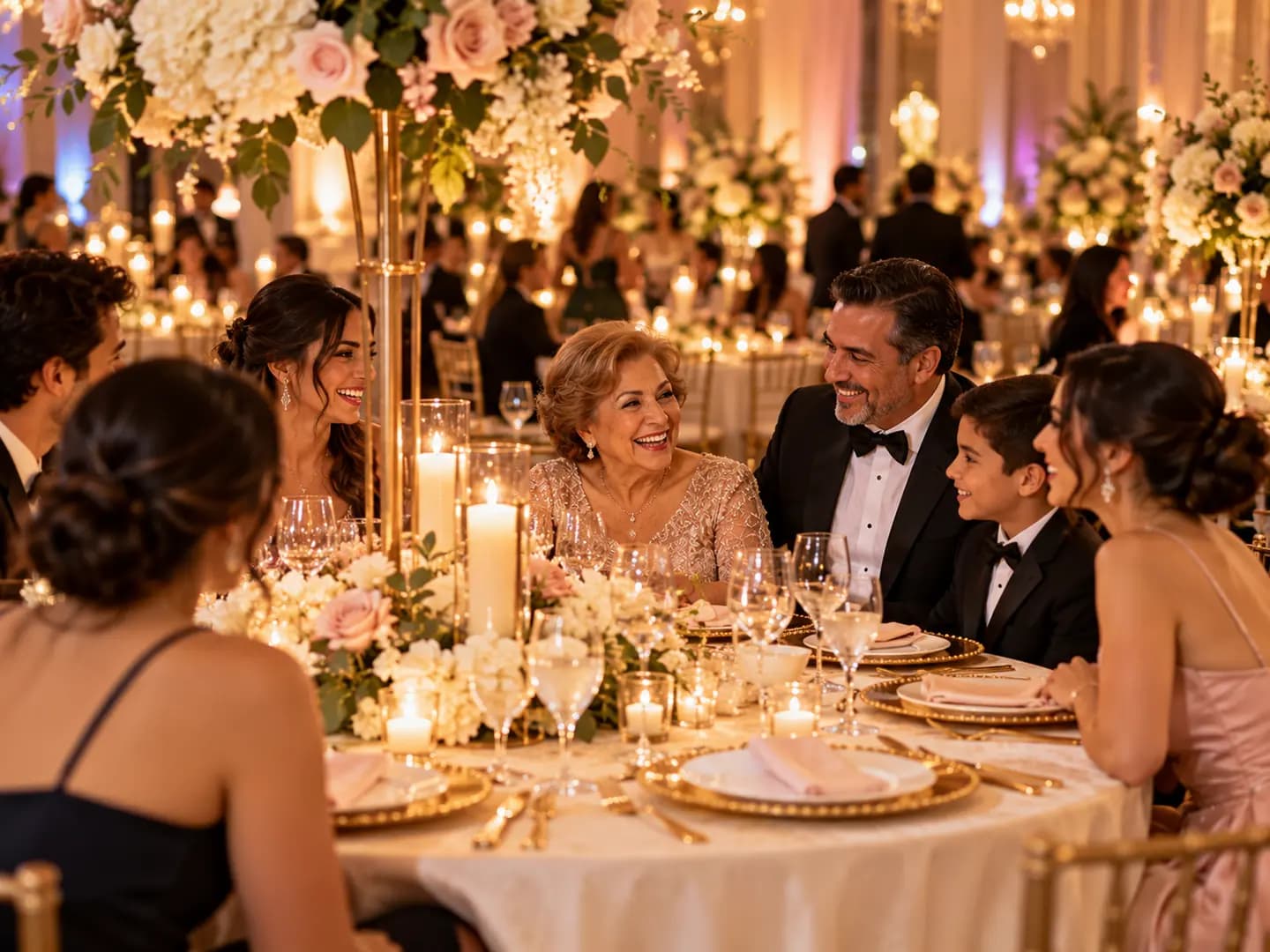
Every photo your guests take, in one private album
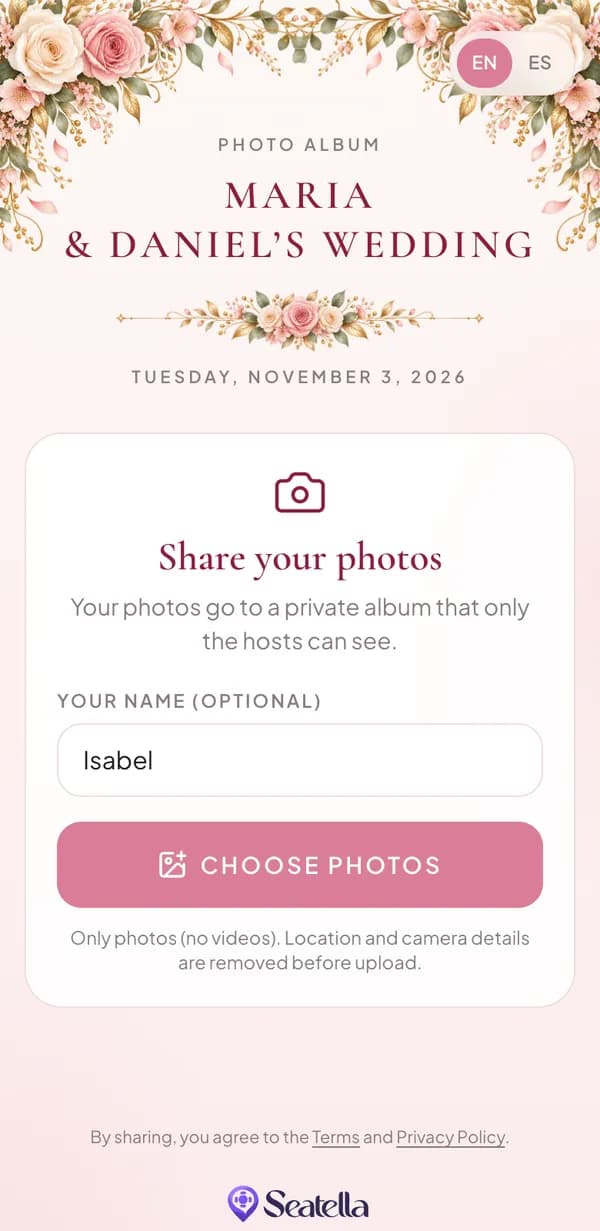
Guests scan one QR code and share their photos from their own phone. No app, no account. You download everything in original quality.
- No app for guests
- Only you see the photos
- Original-quality downloads
Purchased separately for each event, from $19. Create your free Seatella account and add Memories to your event.
How it works
From the dance floor to your downloads folder
- 1
Add Memories to your event
Choose Basic or Plus. It’s a one-time purchase for that event, separate from your Seatella plan.
- 2
Put the QR code out
Print the photo sign, or let the seat finder invite guests right after they find their table.
- 3
Guests share their photos
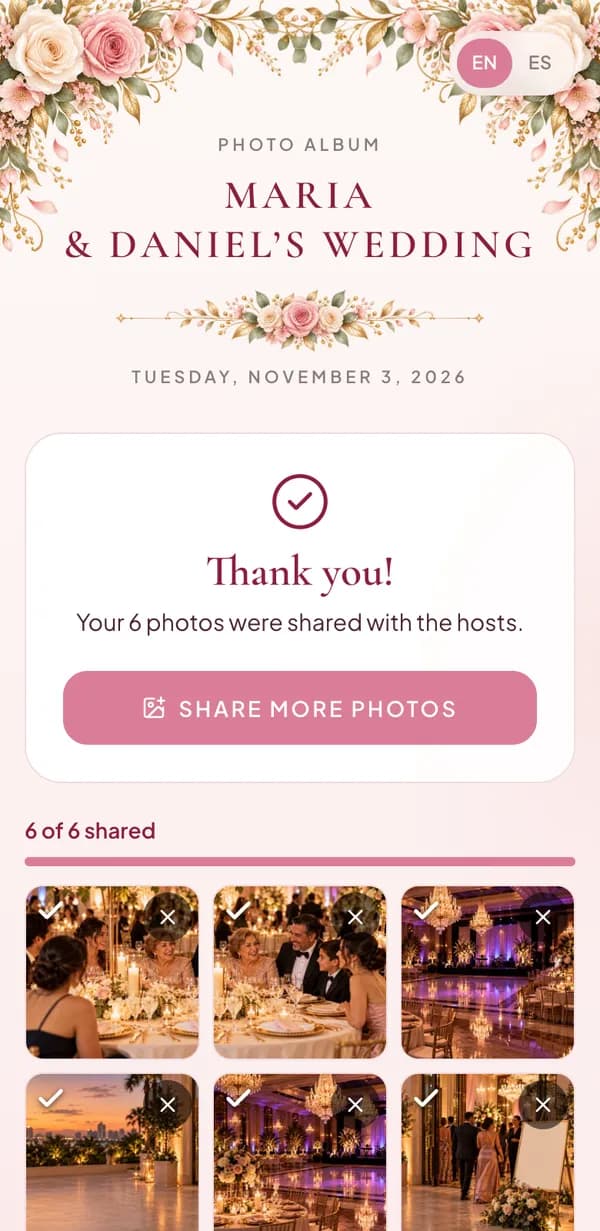
From the day before the event until 30 days after, guests scan and share from their phone. No app, no account.
- 4
Download everything
Review the photos, then download them all in original quality, as ZIP files.
Works with Find your table
One night, one QR code for the seat and the photos
Already using Seatella? Right after guests find their table, the seat finder invites them to share their photos. Prefer a separate sign? Memories has its own photo sign that works without a seating chart.
See how Find your table works

What you get
Everything you need, nothing to manage
Private by default
Only you see the photos. Guests can’t browse each other’s uploads.
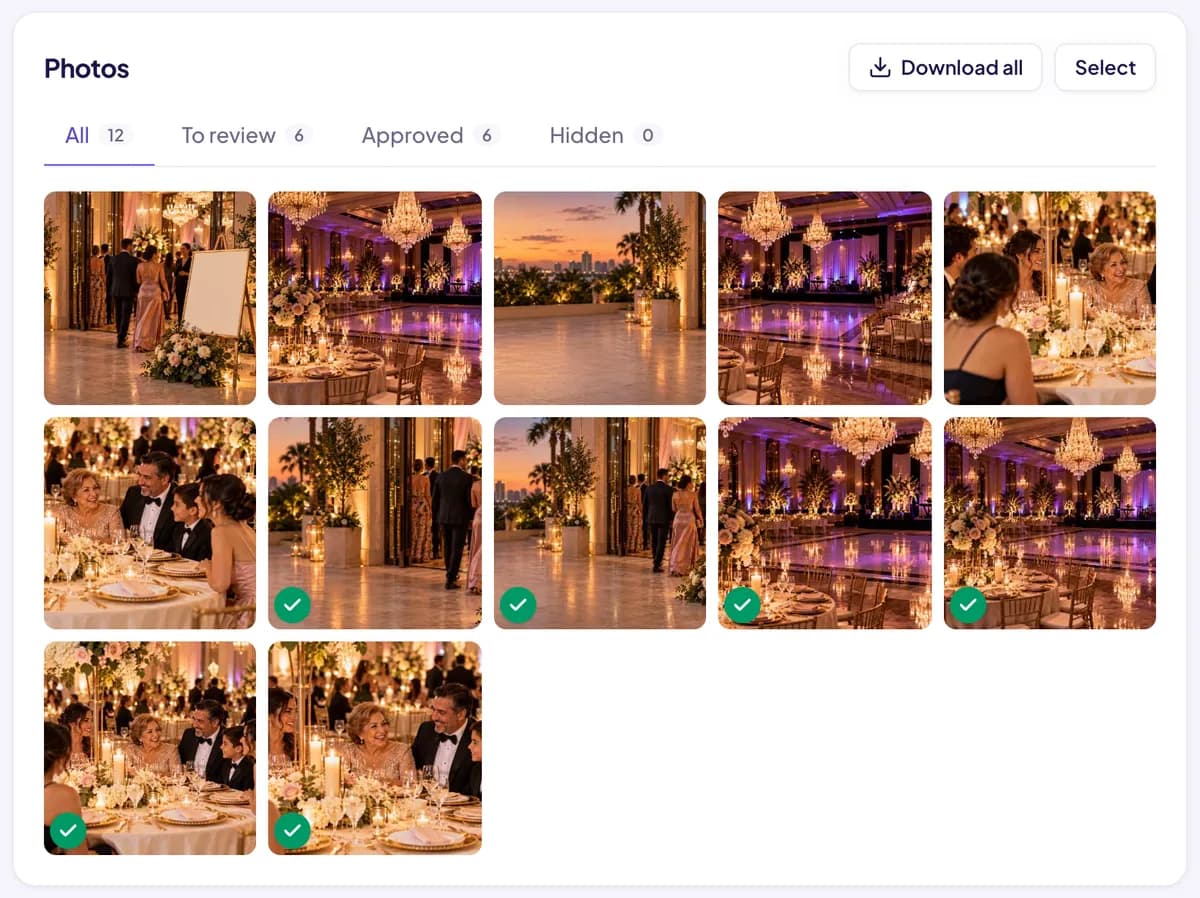
Review before you keep
Approve, hide or delete photos, one at a time or in bulk.
Original quality
Download every photo exactly as it was shared, in ZIP files.
Location removed
Location and camera details are removed from each photo before it’s uploaded.
In your guests’ language
The photo page works in English, Spanish, Portuguese, French, Italian and Haitian Creole.
A sign that matches
Print a photo sign in the same design as your guest page.
Pricing
One payment per event
Seatella Memories is purchased separately for each event and works with any Seatella plan, including Free. No subscription.
Memories Basic
$19per event
- Up to 2,000 photos
- Available for 12 months
- Uploads from the day before until 30 days after the event
- Original-quality downloads
- Reminders before your album ends
Memories Plus
$29per event
- Up to 5,000 photos
- Available for 24 months
- Uploads from the day before until 30 days after the event
- Original-quality downloads
- Reminders before your album ends
Need more time? Add one more year for $12.99 while your album is available, or during its 14-day grace period.
Photos only, no videos. Albums aren’t kept forever: they stay available for 12 or 24 months, then 14 days of grace, then permanent deletion.
How long photos are kept
Clear dates, with reminders
Uploads open
The day before the event.
Uploads close
30 days after the event. Your album stays available.
Album available
12 months (Basic) or 24 months (Plus) from the event date. We email you 30, 7 and 1 day before it ends.
14-day grace period
When hosting ends, the photos are hidden: you and your guests can’t view or download them. Add a year during this time and they all come back.
Permanent deletion
After the grace period, the photos are permanently deleted and can’t be recovered. Download the ones you want to keep before hosting ends.
For venues & event planners
A photo album with every event
Give your clients one more way to remember their night. Memories uses the same QR signs and guest pages you already set up in Seatella, and each album belongs to its event, managed from the event’s Photos page.
Get a walkthrough for your venueFAQ
Questions about guest photo sharing
Do guests need to download an app?
No. Guests scan the QR code with their phone’s camera and share their photos in the browser. There’s no app to install and no account to create.
Can guests see each other’s photos?
No. The album is private: only you, the host, can see the photos your guests share.
Can guests share videos?
Not at this time. Seatella Memories is for photos.
Do iPhone photos work?
Yes, including iPhone photos saved as HEIC: Safari converts them when guests share. Some Android phones save photos in formats that can’t be shared yet; those guests see a clear message.
How many photos can guests share?
Up to 2,000 photos with Basic, or 5,000 with Plus. When the album is full, guests see a message.
How long are the photos kept?
12 months with Basic or 24 months with Plus, counted from the event date. We email you 30, 7 and 1 day before your album ends.
What happens when hosting ends?
The photos are hidden for a 14-day grace period: nobody can view or download them, but adding a year brings them all back. After that, they’re permanently deleted and can’t be recovered. Storage isn’t unlimited or permanent, so download the photos you want to keep.
Can I keep my album longer?
Yes. Add one more year for $12.99 while the album is available or during its grace period.
Can I download all the photos?
Yes. Download every photo in original quality as ZIP files. It works best on a computer; on a phone, the files are saved one at a time.
Is Memories included in Seatella plans?
No. Memories is purchased separately for each event (Basic $19, Plus $29) and works with any plan, including Free. You don’t need a Seatella seating chart: the photo sign works on its own.
Ready to collect every photo?
Create your free account, add your event and turn on Memories in minutes.
Start free, then add Memories